

Essay
Quiet hours.
The first and last hours of the day are the only ones nobody has yet claimed, and the phone claims them by default. A schedule set once, and a charger moved to the kitchen, will give them back.
Written by CONTROL
This article runs 811 words and takes about four minutes to read.
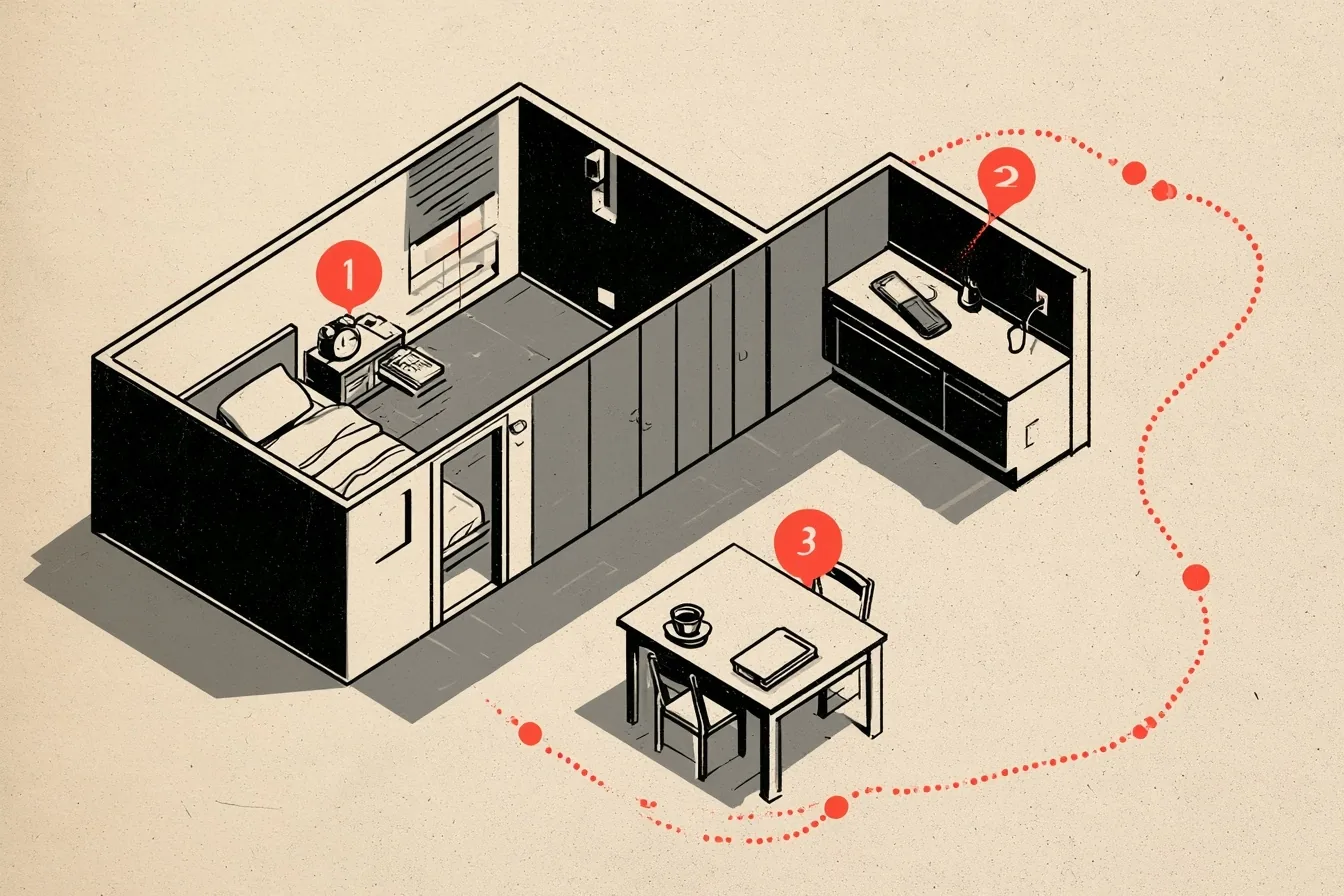
Most of the day is spoken for. Employers own the working hours, children own the evenings and the afternoons, and a commute or a queue owns much of what is left. The two hours at either end of the day are different. Nobody has a contract for them, and so they go to whoever reaches them first. For most of us, that is the phone, which wakes before we do and is still talking when we turn out the light.
The phone is not a villain. Its problem is simpler than that: it has no off-hours of its own, so every message, alert and headline arrives whenever someone else decides to send it. The person who wants those two hours back does not need to give the phone up. They need to set it up once so that it goes quiet on a schedule, and then stay out of its way.

A wall with a gate in it
Both iPhone and Android phones can switch Do Not Disturb on and off by the clock. On an iPhone, open Settings, then Focus, then Do Not Disturb, and add a schedule. On Android, look under Modes or Do Not Disturb in Settings. Set it for 9 p.m. to 8 a.m., every day of the week, including weekends, when the temptation to make an exception is greatest.
A wall needs a gate. Allow calls from no more than five people, the ones who might truly need you in the night, and silence everyone and everything else. Whatever arrives overnight will still be there at eight, and you will never have had to decide to ignore it.
The usual objection is the fear of sleeping through an emergency, and the phone already contains the answer. On an iPhone, the Repeated Calls setting lets a second call from the same person ring through if it comes within three minutes of the first. On Android, the repeat-callers option does the same for a second call within fifteen minutes. A person with a real emergency calls again. That second call is the one the setting exists to catch. Tell your family how it works once, and the wall can stay up every night.

A person with a real emergency calls again.
The walk down the hall
The schedule handles what comes in. It does nothing about what goes out, which is the hand that reaches for the phone in the first idle second of a pause. That reach happens before any decision is made, and it is the reason good intentions about screen time so rarely survive a week. Willpower loses to reflex. Distance does not.
Charge the phone in the kitchen and leave it there for the first hour of the day. If it is your alarm, buy a plain alarm clock for the nightstand, because an alarm on the phone is where the first check of the morning begins; you are already holding it when your eyes open. With the phone in the kitchen, reaching for it means getting up and walking down the hall, and the walk is usually long enough to change your mind.
The morning hour then fills itself with ordinary things. There is coffee, breakfast and twenty minutes of movement. There is also time to write down the one thing that matters most today before anyone else has had a vote on it. None of this requires a routine with a name. It requires only that nobody else is in the room.
For the moments when the phone is within reach anyway, make it less interesting. The grayscale setting in Accessibility, assigned to a triple-click of the side button on an iPhone or scheduled through Bedtime mode on Android, drains the color that makes apps pull at you. Moving social apps off the home screen means that opening one takes a deliberate search rather than a thumb.

Paper at the end of the day
The last hour belongs to paper, conversation and sleep. Keep the next book on the nightstand, so that finishing one leads straight to starting another. Before the light goes off, write three lines in a small notebook about what went right, what did not and what comes next. It takes two minutes. After a year, you will have a record of your life that no feed can reorder.
Once a week, open the screen-time or Digital Wellbeing report the phone already keeps and compare it with the week before. If the number climbs two weeks running, move another app off the home screen. The report is the one piece of information the phone offers that is entirely on your side.
None of this makes the phone less useful during the rest of the day. It simply establishes that the day has edges, and that you, rather than a stranger with something to sell, decide what happens at them.